Create and control agent fleets
Use one ENS parent as a namespace for specialized workers.
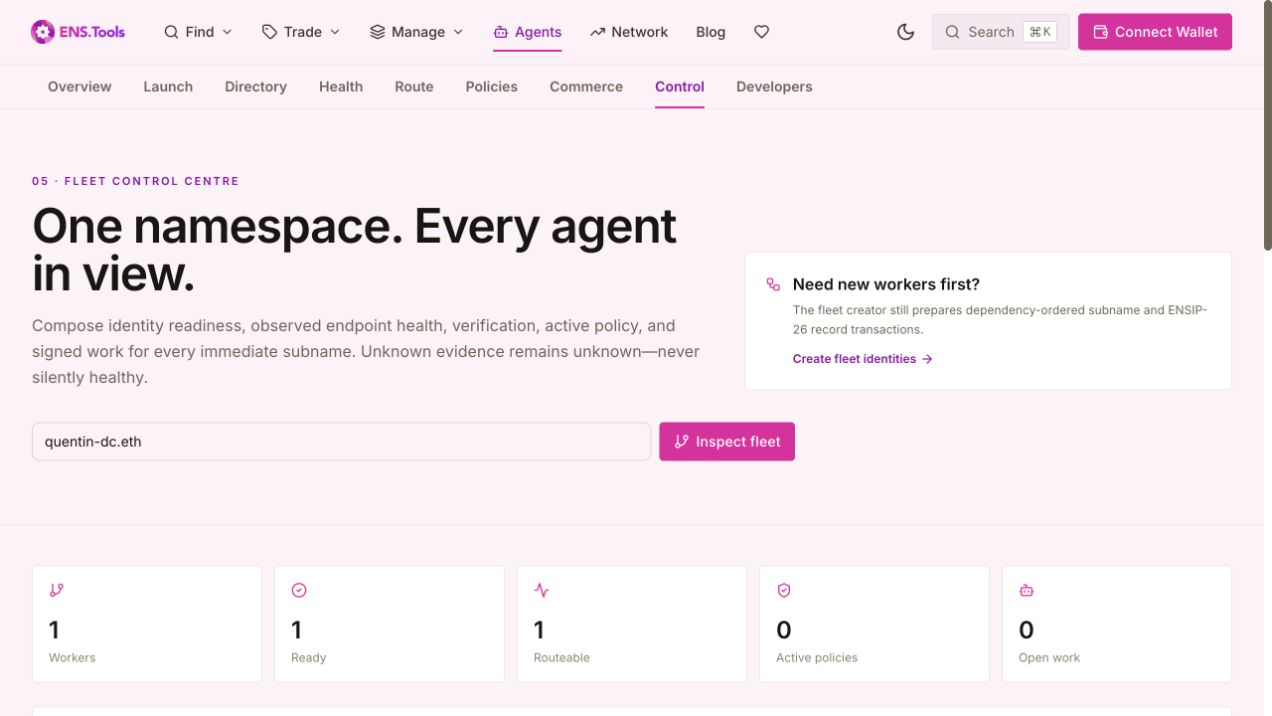
Fleet creation prepares dependency-ordered subnames and records. Fleet Control composes identity readiness, stored endpoint health, verification, active policy, signed work, routeability, and pause state per immediate worker, then prepares evidence-gated canary or rolling changes.
Before you run this workflow
Networks
- Ethereum mainnet ENS subnames and resolver records
Prerequisites
- A controlled parent ENS name
- Immediate worker subnames
- Fresh evidence before gated rollout phases
Wallet permissions
- Independent resolver transactions for selected workers only
Expected result
- Per-worker readiness and attention state
- Canary or rolling phase plan
- Manual rollback transactions and receipt template
Errors and recovery
- Stop on failed semantic gate
- Run prepared rollback manually
- Re-inspect membership and evidence before resuming
How to use it
- 1
Create worker identities
Enter a controlled parent, exact labels, context template, and optional endpoint base. Review subname creation before record writes.
- 2
Inspect the parent
Fleet Control discovers immediate subnames and composes available evidence per worker.
- 3
Filter and select
Use name, capability, health, readiness, policy expiry, or work state to select exact workers.
- 4
Prepare a bounded rollout
Choose endpoint rotation, context change, pause advisory, or resume advisory; then choose canary, rolling, or all-at-once strategy, batch size, and max unavailable.
- 5
Execute and gate one phase
Simulate and submit only one phase. Read back records, collect fresh health evidence, verify unselected workers did not regress, and stop on any assertion failure.
- 6
Publish evidence or roll back manually
Populate the portable receipt template after each phase. Rollback transactions are prepared but never submitted automatically.